
Training Onboard, train & enable
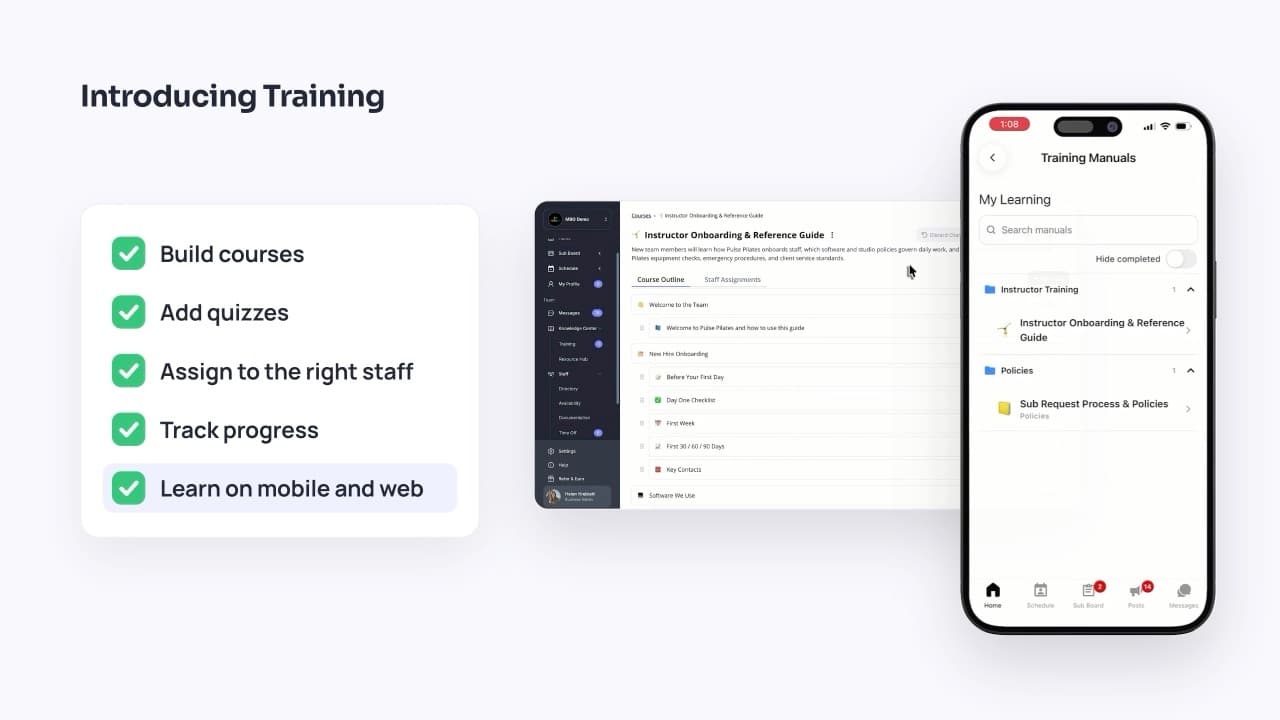
Still onboarding staff with Google Drive folders, PDFs, spreadsheets, and a separate LMS? Build courses with videos, SOPs, and quizzes, assign them to the right people, and track who’s finished—all in the same app your team already uses to run their day. One place to onboard, train, enable, and run your team.
Available on the Elevate plan
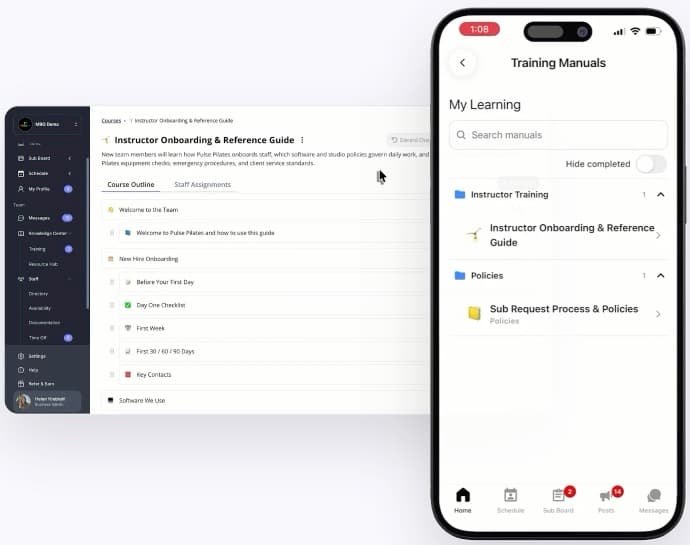
Key benefits
Fewer apps, lower costs
Retire the separate training tools you’re paying for. Staff learn where they already check schedules, pick up subs, and read messages—on mobile or web.
Learning that sticks
Quizzes check that information was understood and retained, not just opened.
Know who’s ready
See who has completed what across every location, so you know your team is ready to deliver.
See training in action
How training works
- 1
Build a course
Organize videos, documents, SOPs, and links into topics, and add quizzes where you need them.
- 2
Assign it to the right people
Choose staff by location, team, skill, or role. New hires who match get the course automatically.
- 3
Staff learn on mobile or web
Everyone sees their assigned courses in one simple list and works through them wherever they are.
- 4
Track progress and completion
See who hasn’t started, who’s in progress, and who’s done—across your whole business.
Courses built from what you already have
Bring your existing material
Turn the videos, PDFs, SOPs, and links scattered across drives and inboxes into structured courses.
Organized into topics
Break a course into chapters, each with its own steps and quizzes, in the order you choose.
Draft privately, publish when ready
Work on a course out of sight, then publish it once it’s ready for your team.
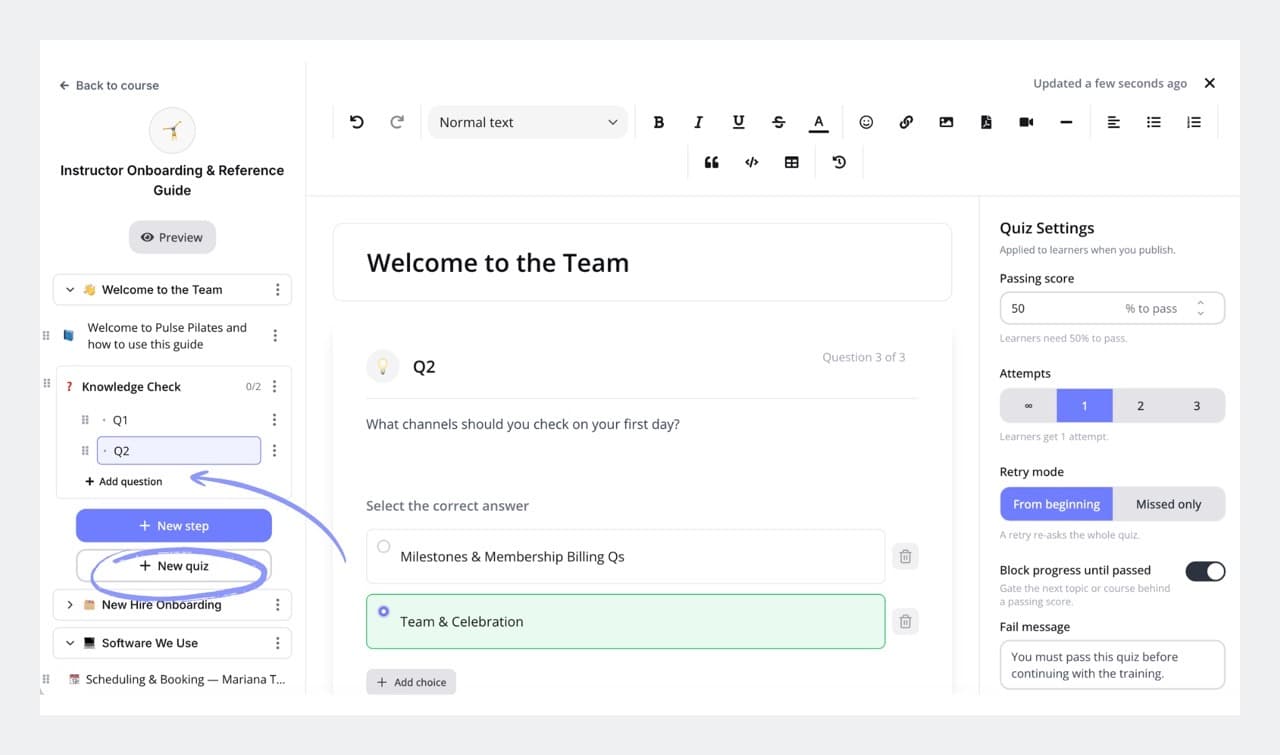
Quizzes that make sure it landed
Scored or ungraded
Test knowledge with a pass mark, or use quick check-ins to reinforce learning.
Retry rules
Decide how many attempts staff get before a manager steps in.
Progress gating
Require a pass before staff move on, so nobody skips the essentials.
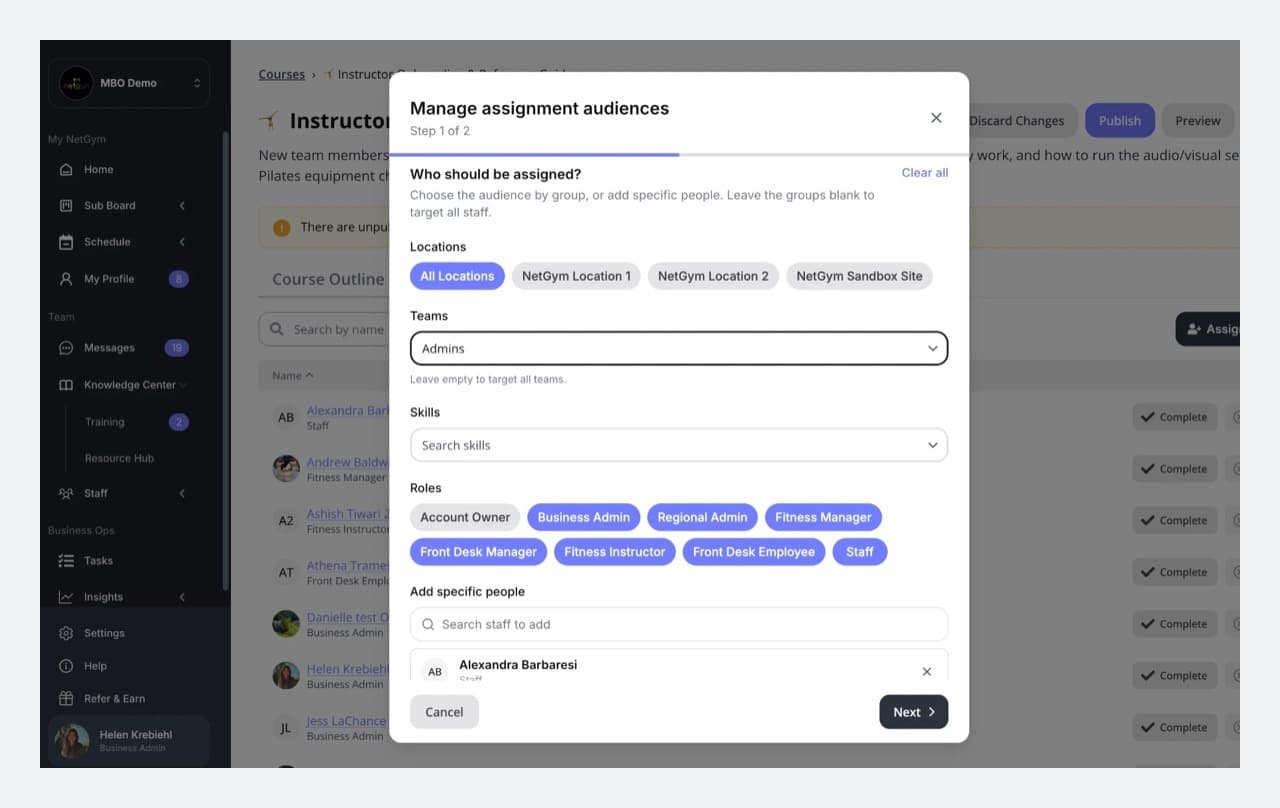
Assignments that keep themselves up to date
Assign by location, team, skill, or role
Or pick specific people. Mix and match to reach exactly the right staff.
New hires included automatically
As staff join or move, they get the courses that match them—no extra admin.
The right access for the right people
Experts write the content, managers assign it and follow up, and staff see only what’s theirs.
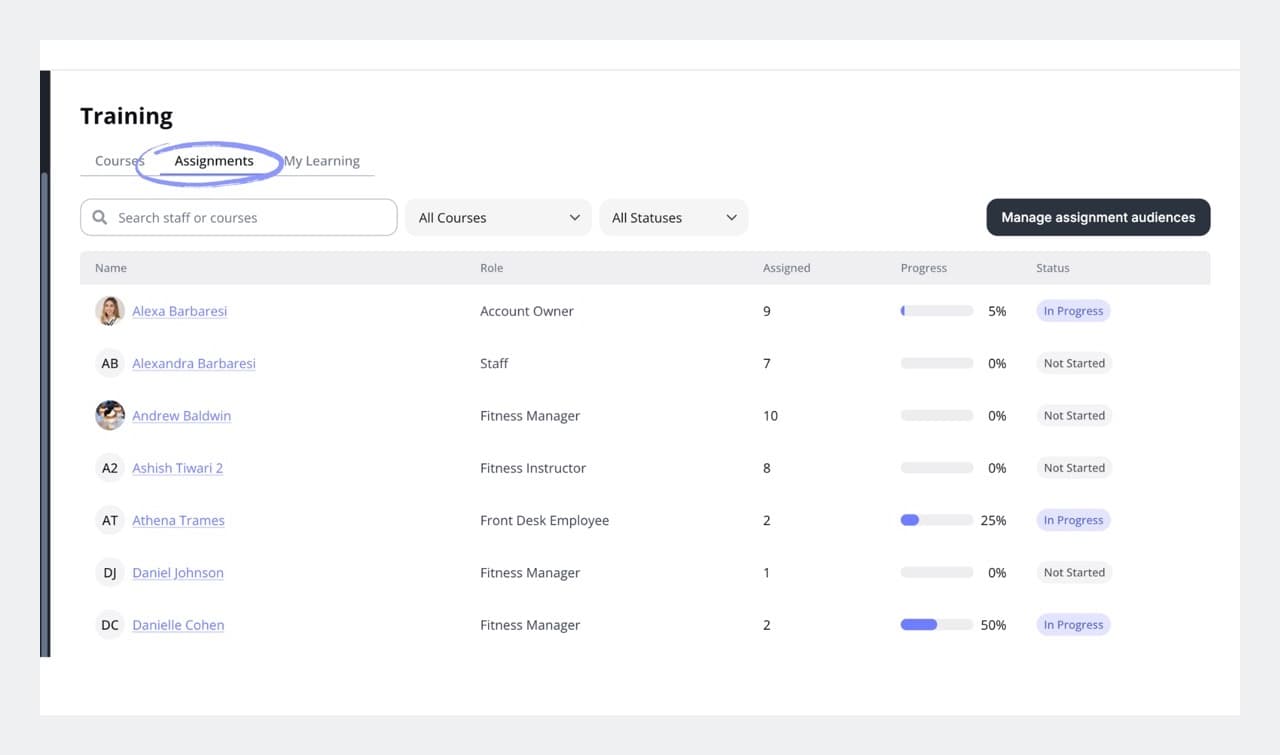
Progress you can see at a glance
One business-wide view
Track every staff member’s progress across every course from one table.
Clear statuses
Not started, In progress, and Complete—so you know who needs a nudge.
Learning on mobile and web
Staff open their courses in the NetGym app or on the web, wherever they are.
Better-enabled teams, better member experiences
When onboarding and training live in the same place your team already works, staff get up to speed faster and feel more confident—and your members feel the difference.
Your whole team, in one place
Training completes the picture. Everything your staff need to work, learn, and stay in sync lives in one app.
- Coverage
- Scheduling
- Communication
- Tasks
- Documents & SOPs
- Time off
- Training & onboarding
More ways NetGym helps your team
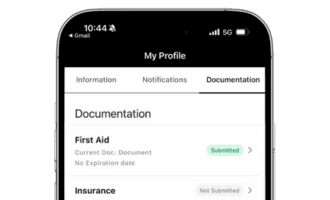
Documentation
Keep track of instructor certifications and qualifications, stay compliant and safe
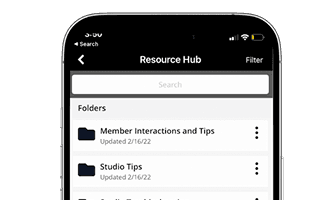
Resources hub
Store and share training videos, policies, SOPs, onboarding guides, and more
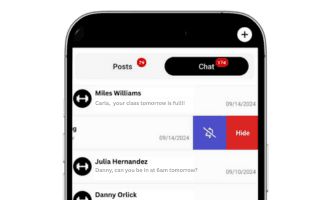
Communications
All your team communication, organized in one powerful platform
NetGym app
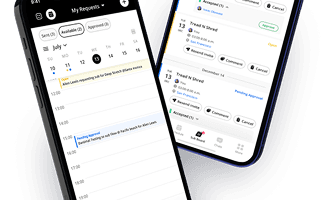
Manage subs, messages, schedules, and resources: one powerful app, fewer headaches
One place to onboard, train, enable, and run your team
Fewer apps and lower software costs for your business. One consistent place for your staff to learn, communicate, and operate.
Download the 6 step guide to gain back 40+ hours per month
Most studio and Group X managers spend 25% of their time on subbing and communication. This 6 step process has proven to gain back 40+ hours per month through process automation and streamlined communication.
This site is protected by reCAPTCHA and the Google Privacy Policy and Terms of Service apply.