
Shift management Built for your whole team
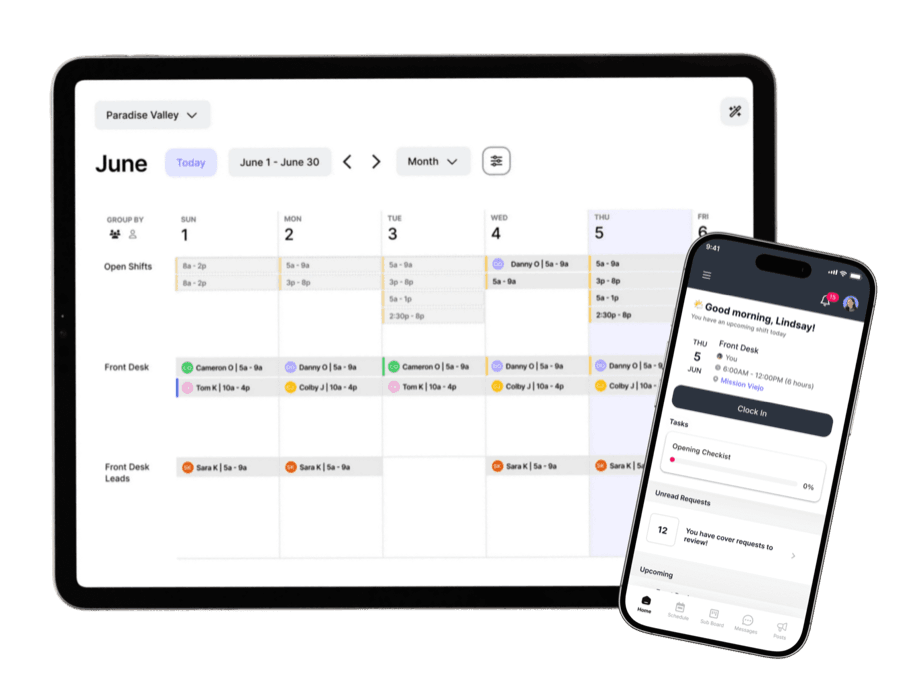
With Shift Management, you can create, assign, adjust, and guide shifts—all in one place. From front desk coverage to management and admin tasks, every shift comes with clear responsibilities, real-time visibility, and built-in reminders. Keep your team in sync, ensure coverage, and eliminate the chaos of spreadsheets and group texts. Seamless, flexible, and always up to date.
Key benefits
Effortless planning
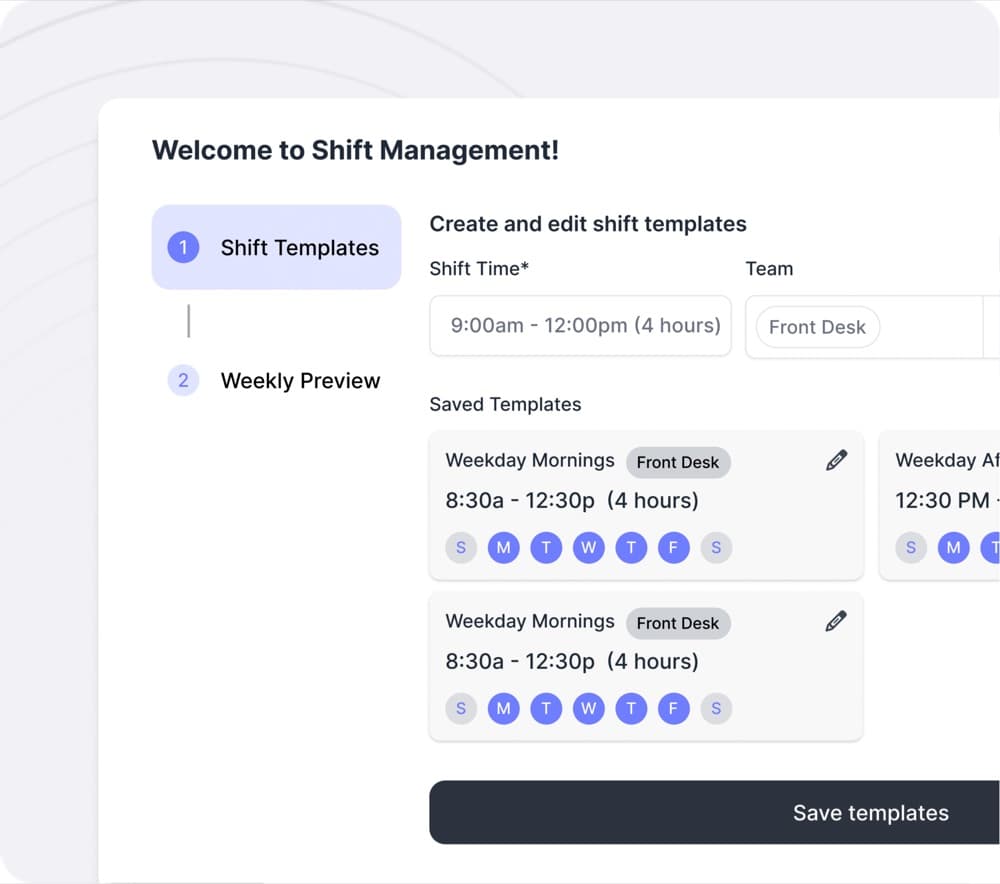
Build schedules in minutes with templates, recurring shifts, and copy tools. Give staff flexibility with sub requests, swaps, and availability management.
One centralized staff hub
Bring scheduling, communication, tasks, and resources together in one place for all your staff. No more juggling spreadsheets and apps.
Clarity in every shift
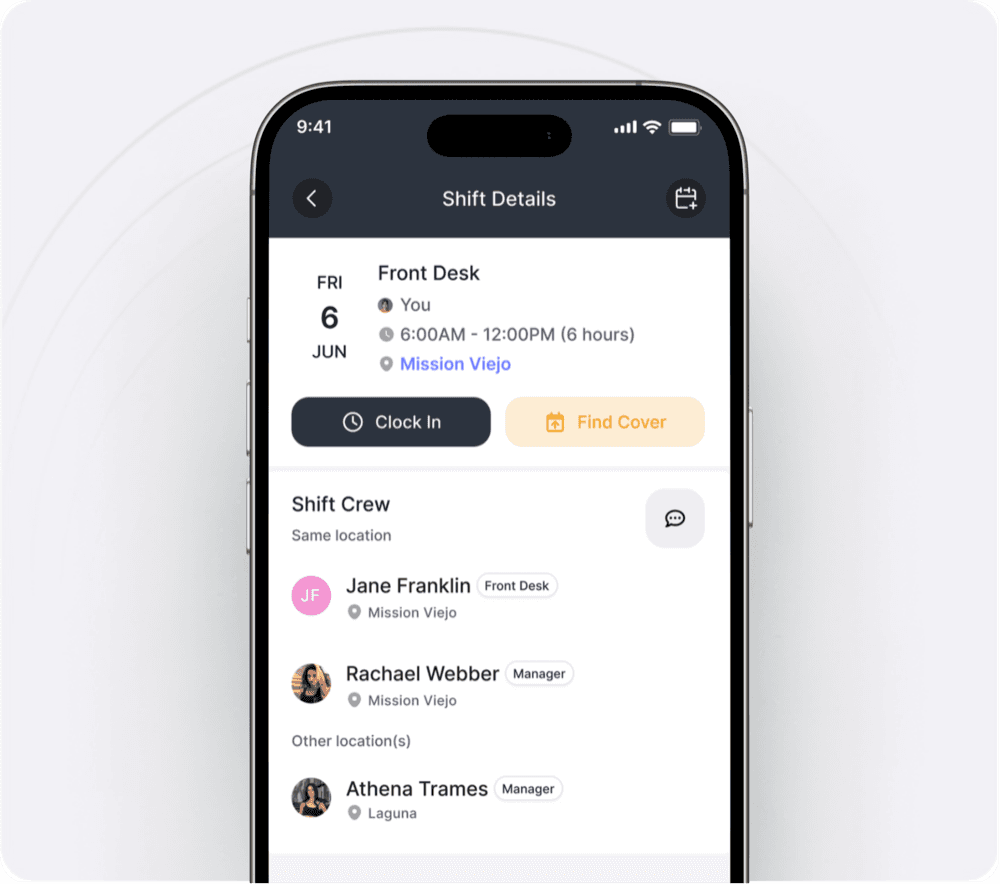
Attach tasks and notes so staff have clear direction. They can also see who else is on their shift crew and nearby, making teamwork easier.
A better way to run shifts
Built-in sub management
Handle coverage requests and trades directly in NetGym—no more messy spreadsheets or text threads.
Always organized
Recurring shifts, templates, and draft/publish tools save managers time every week.
Conflict-free
Prevent double-booking with availability and role-based scheduling.
Clarity during every shift
Tasks that keep staff on track
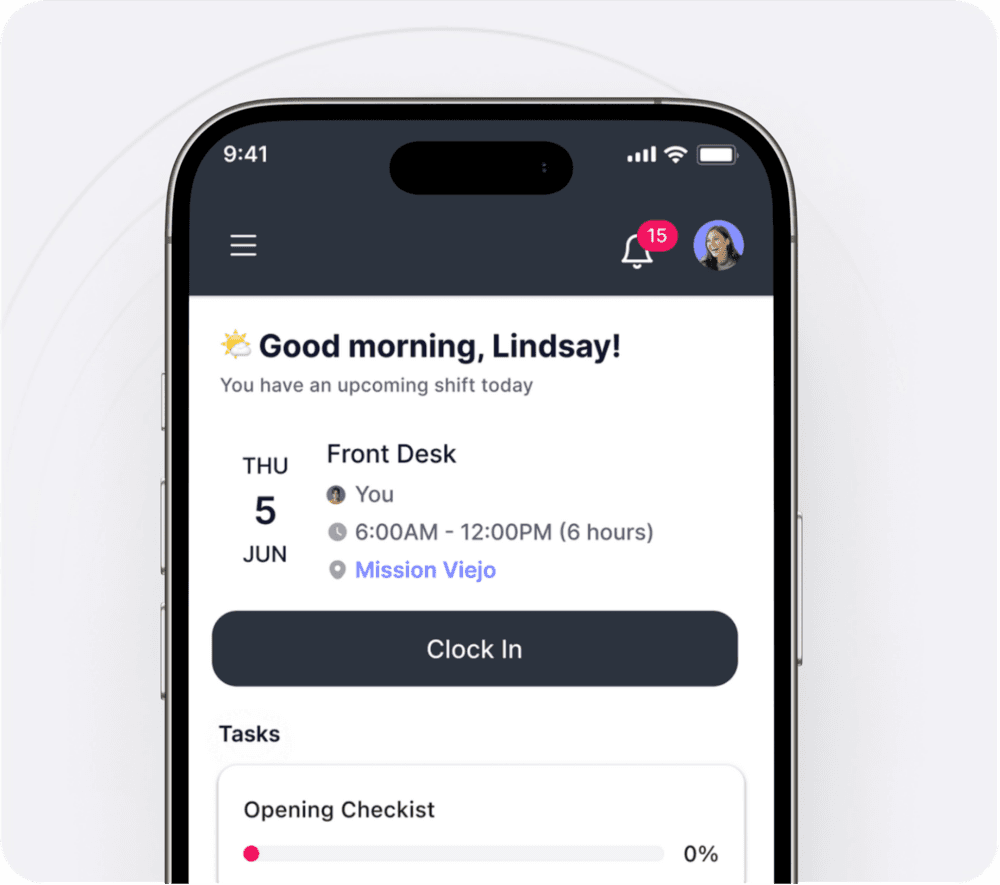
Attach recurring or one-off tasks so employees know exactly what needs to get done.
Shift crew visibility
See who else is on your shift (front desk, managers, instructors) and who’s working nearby. Teamwork and communication become effortless.
One place for everything
Schedules, responsibilities, and team context—right in the app.
Staff-friendly access
Mobile first
Schedules and tasks live where your staff already are, the NetGym app.
Instant access
Employees always have the latest version of their schedule at their fingertips.
Simple & clear
Shift details are easy to read and understand, reducing confusion and last-minute questions.
Your whole team, in one hub
Not just for instructors anymore
The same NetGym tools that helped you manage instructor communication, docs, and resources now extend to your front desk and admin staff.
One system for all staff
Schedules, communication, and resources all flow through a single platform.
Consistency across roles
Everyone in your studio—front desk, management, and instructors—benefits from the same clear, reliable system.
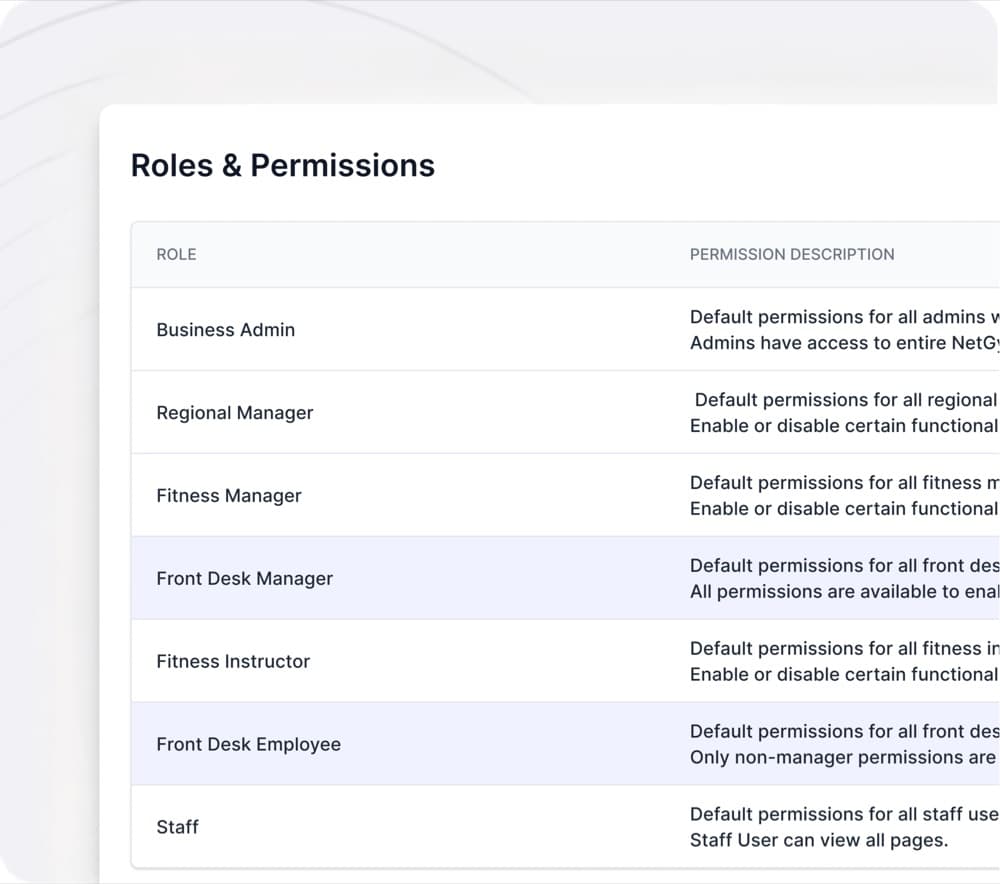
Scheduling & managing made easy
- 1
Create & assign shifts
Quickly build schedules with role-based tags, shift templates, and draft/publish options.
- 2
Share instantly with staff
Employees see published schedules and responsibilities in-app, complete with automated reminders.
- 3
Track time & coverage
Clock-ins, availability, and reporting give managers oversight without extra tools.
- 4
Provide clarity in every shift
Staff see their assigned tasks, notes, and who else is on their shift crew, making teamwork smoother and expectations clear.
We reimagine how fitness teams connect.
No more missed messages. No more crossed wires—smooth, simple connection wherever your team is. Less chaos. More happy managers. More happy instructors. More high fives.

More ways NetGym helps your team
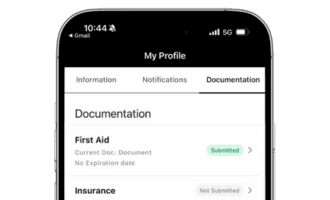
Documentation
Keep track of instructor certifications and qualifications, stay compliant and safe
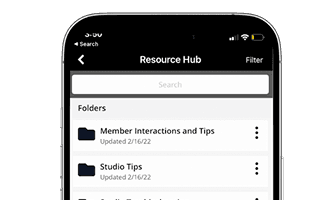
Resources hub
Store and share training videos, policies, SOPs, onboarding guides, and more
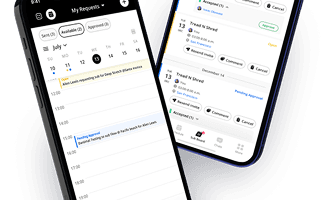
NetGym app
Manage subs, messages, schedules, and resources: one powerful app, fewer headaches
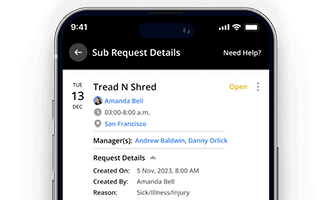
Automated subbing
Automate your subbing process and keep your schedule running smoothly
NetGym reduces your tools and improves staff engagement
Empower your instructors and staff with a transparent and easy-to-use system. Boost morale and encourage collaboration within your team.
Download the 6 step guide to gain back 40+ hours per month
Most studio and Group X managers spend 25% of their time on subbing and communication. This 6 step process has proven to gain back 40+ hours per month through process automation and streamlined communication.
This site is protected by reCAPTCHA and the Google Privacy Policy and Terms of Service apply.