
Tasks Every location, handled
A broken bike in Studio 3. Low towels in Studio 7. An event to prep across all of them. Instead of chasing it through group texts, Google Sheets, and a separate task app, your team logs it in NetGym—with photos, from their phone. Managers see every issue at every location, assign it, and know when it’s done.
Available on the Elevate plan
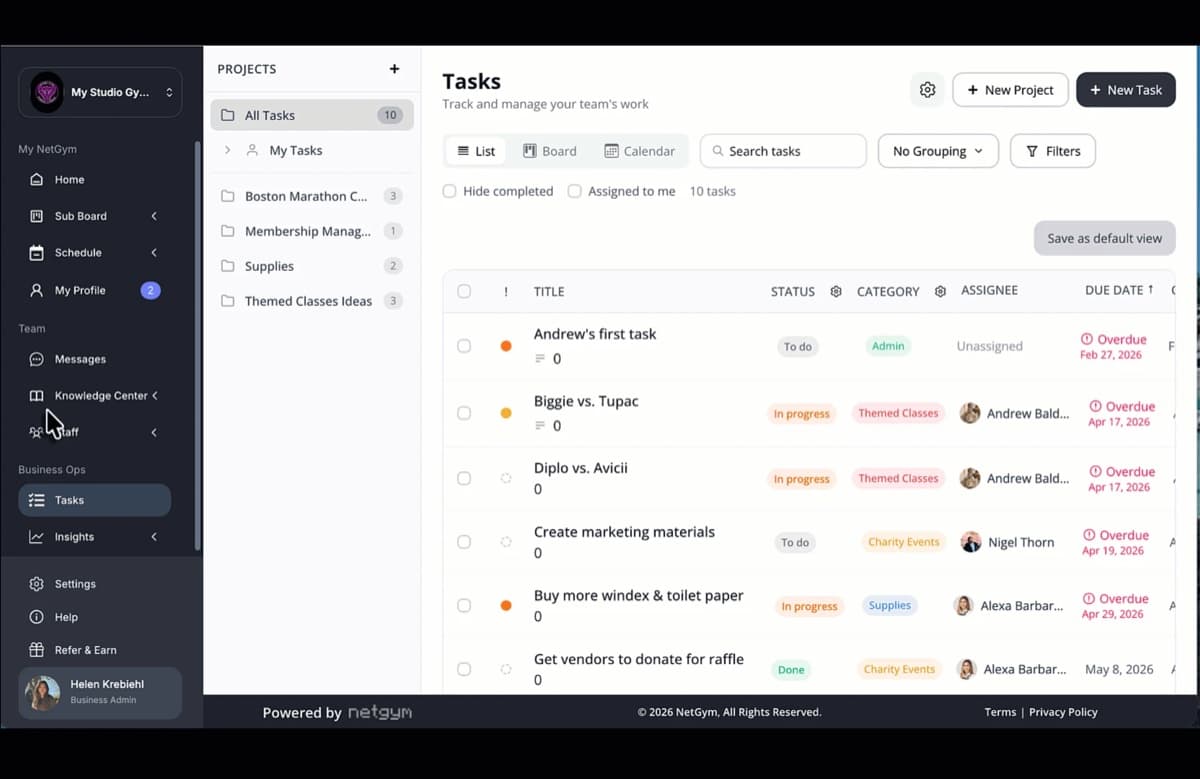
Key benefits
See every location at a glance
Filter by studio, team, or category and spot what’s stuck before your members notice.
Problems reported in seconds
Instructors flag broken equipment or studio issues with a photo the moment they see them, filed under Maintenance.
One less app to pay for
Retire the spreadsheets and separate task tools. Tasks live alongside subbing, scheduling, and messages.
How tasks work
- 1
Spot it and create a task
Anyone on your team creates a task on web or in the app, with a description and photos.
- 2
Categorize and prioritize
File it under Maintenance, Retail, Social, or your own categories, and set it from urgent to low.
- 3
Assign it to the right owner
Every task gets one owner, a location, a team, and a due date—so nothing sits in limbo.
- 4
Track it to done
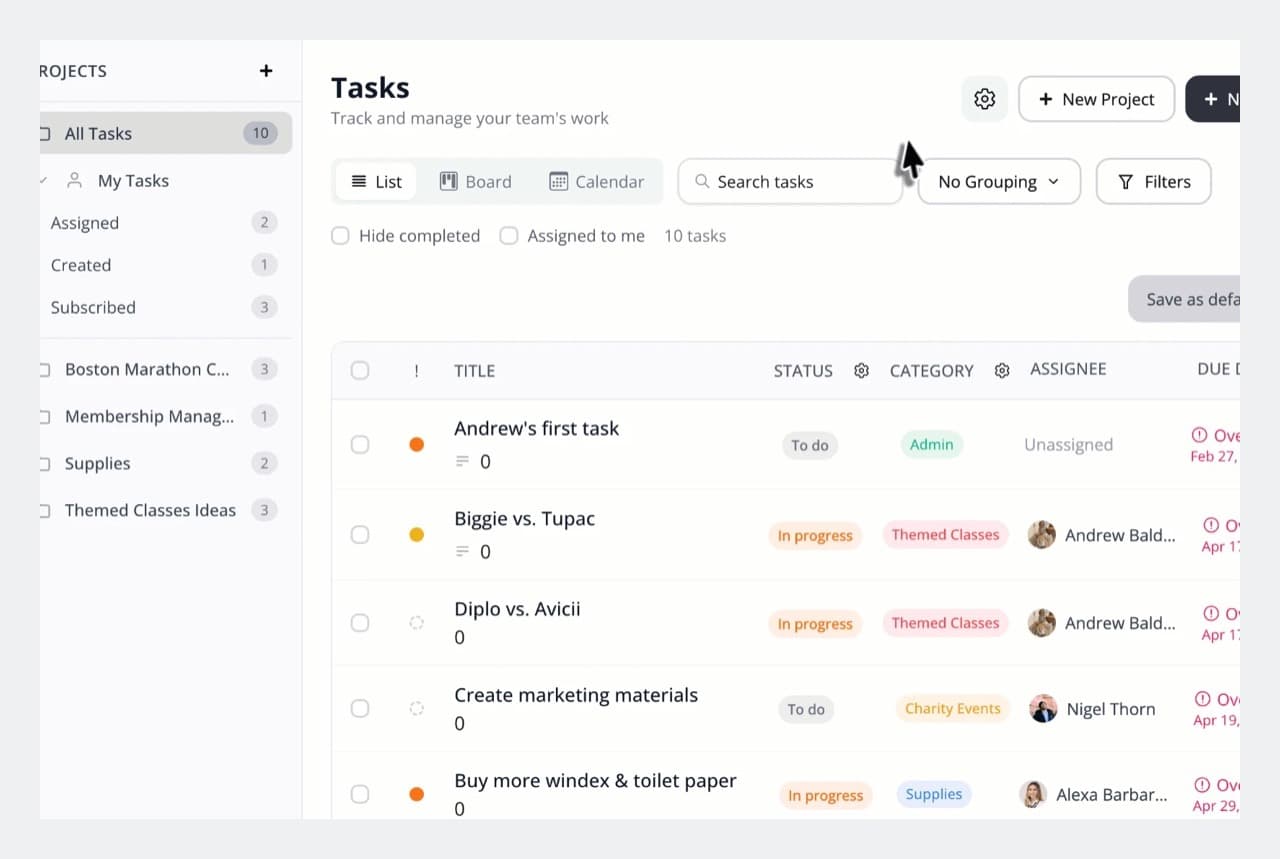
Follow progress in list, board, or calendar view, with reminders before it’s due and alerts when it’s overdue.
Staff requests, straight to managers
Maintenance that gets fixed
A broken reformer or a leaking shower gets logged with a photo and lands with the right manager—no more “I mentioned it last week.”
Supplies and studio updates
Low on towels, a themed class to set up, a sign to replace: staff flag it, managers handle it.
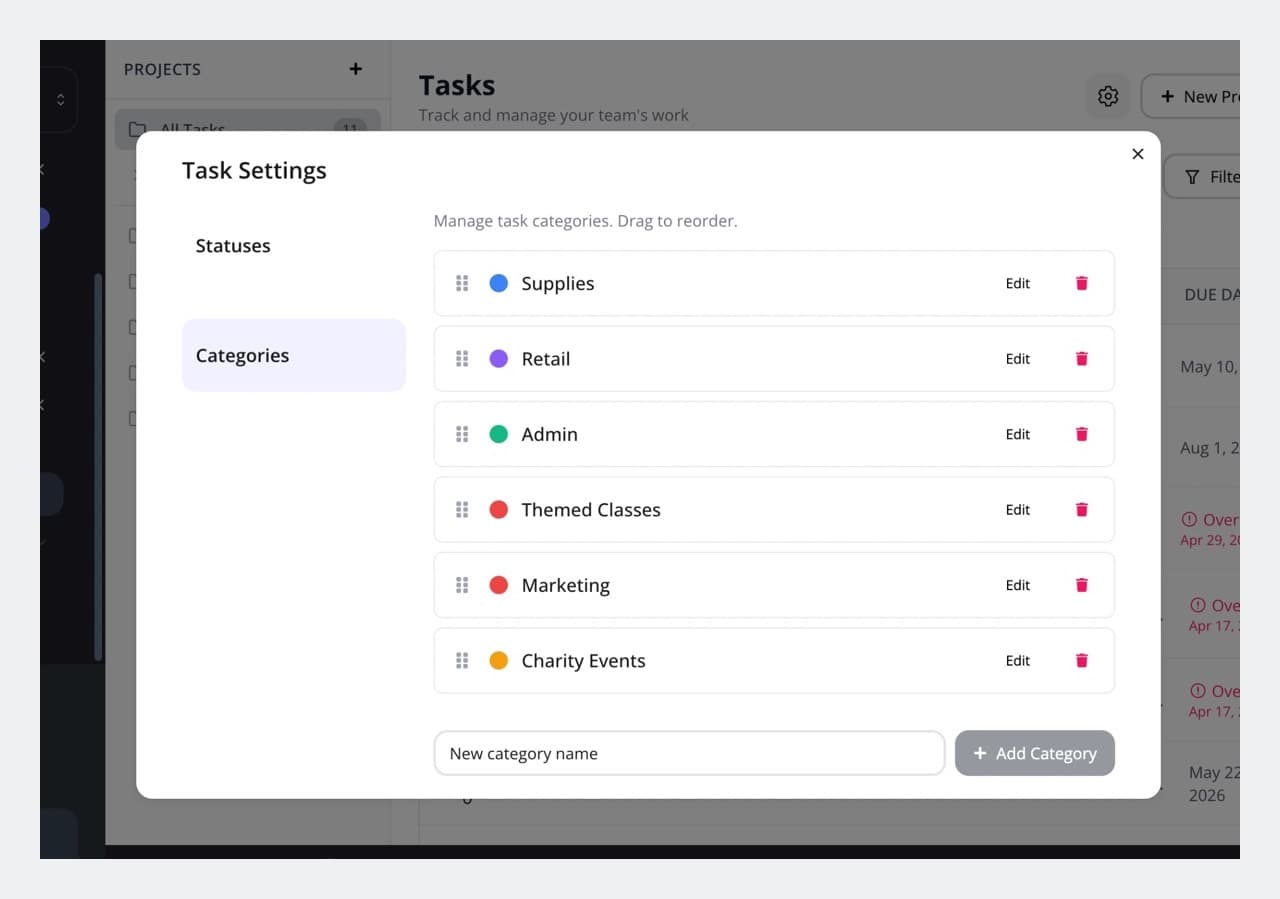
Categories that keep it sorted
Start with General, Maintenance, Retail, and Social, then add and color your own.
Checklists and to-dos for every shift
Pre-shift checklists
Opening and closing routines, cleaning, and setup—assigned to the right person at the right studio.
Event prep and follow-ups
Break a launch or community event into clear tasks with owners and due dates.
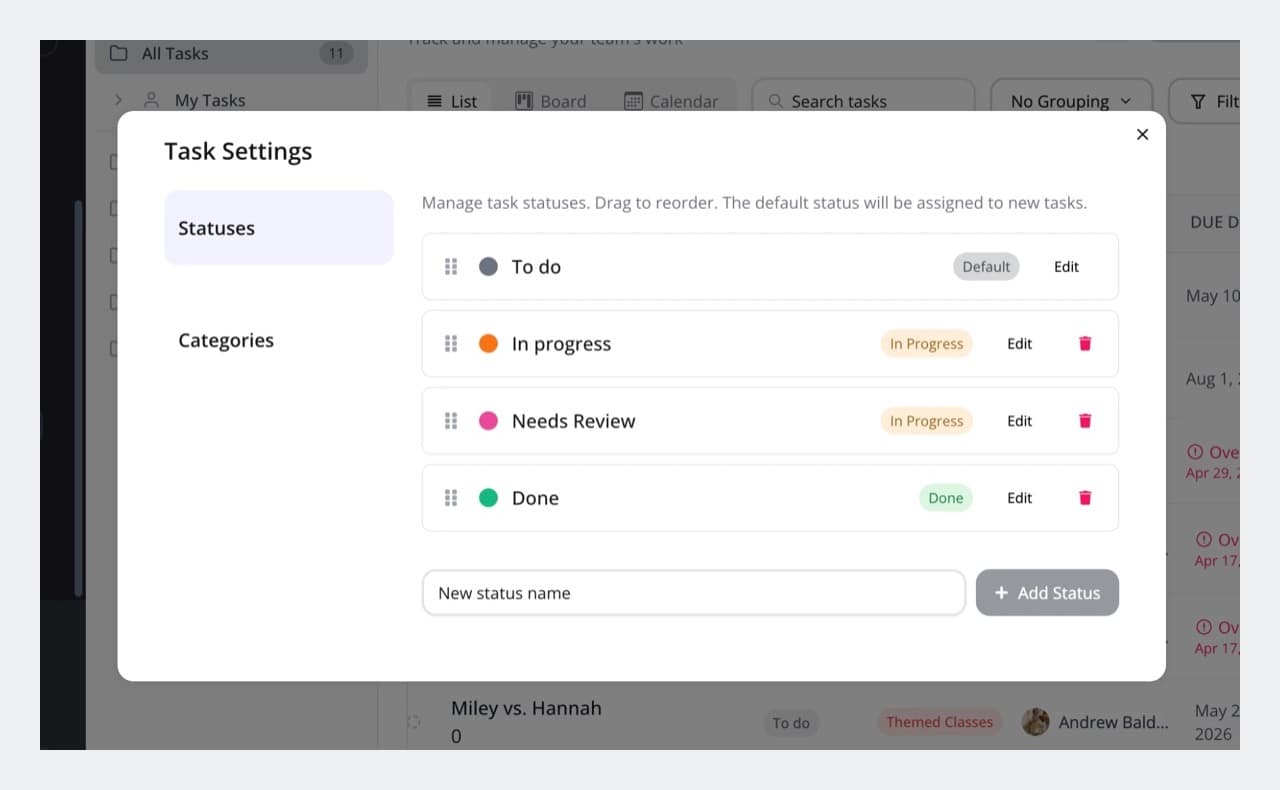
Priorities everyone understands
Urgent, high, medium, or low, so your team always knows what to do first.
See the work your way
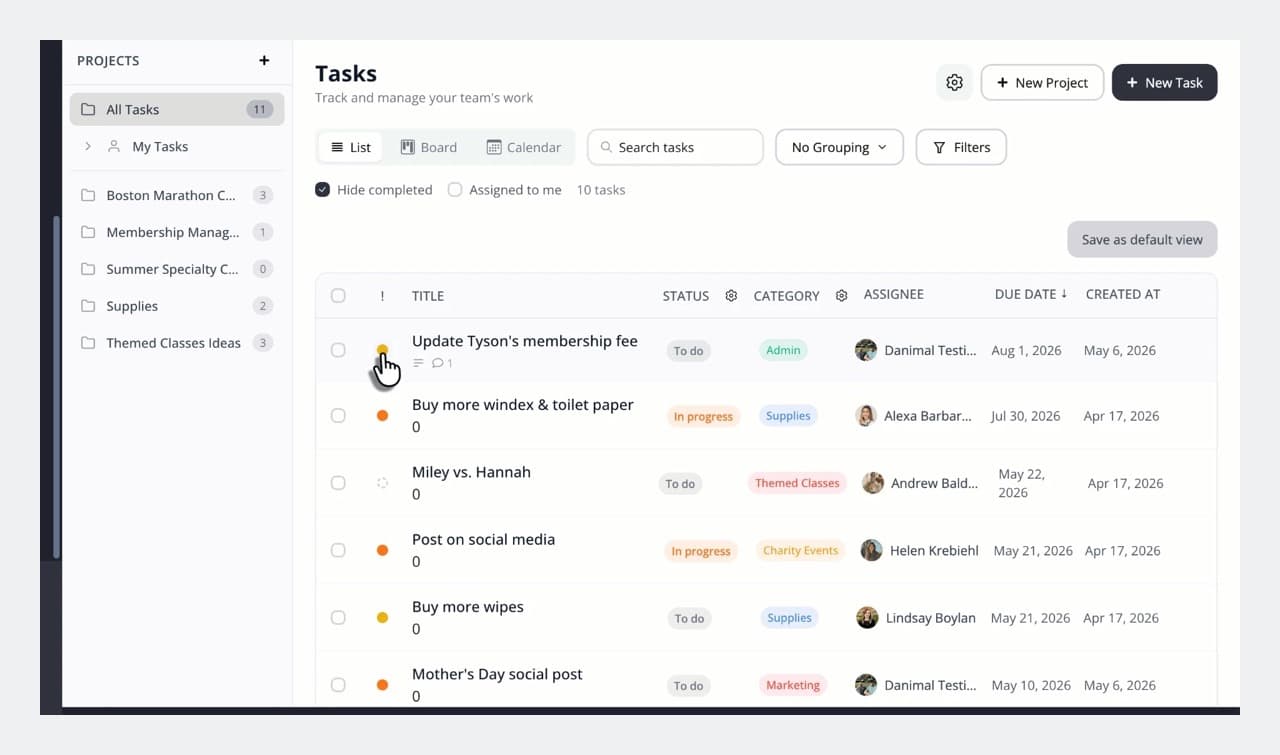
List, board, and calendar views
Sort columns, move cards across stages, or see what’s due on a calendar.
Filters for every location
Group by status, category, or owner, and filter to a single studio—or just what’s assigned to you.
Projects
Group related tasks, like a studio opening or a seasonal refresh, and watch the progress bar fill up.
Everyone stays in the loop
Comments and @mentions
Discuss a task right where the work lives and pull in anyone who can help.
Reminders and alerts
Owners hear about new assignments, status changes, and deadlines—by email or push notification.
On web and in the app
Create, update, and close tasks from the front desk or the studio floor.
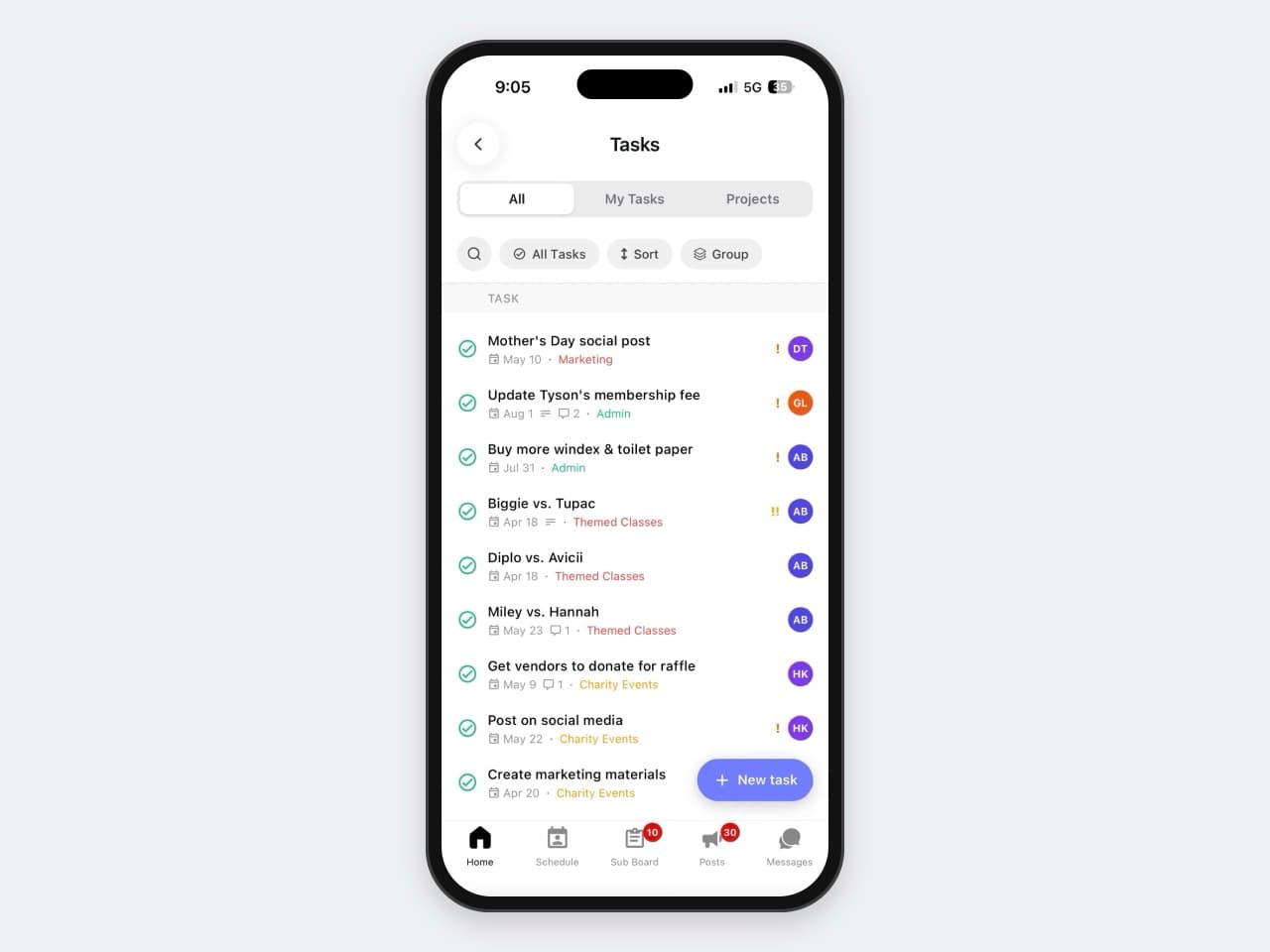
Run every location like you’re standing in it
When every issue, checklist, and follow-up lives in one place, nothing falls through the cracks—no matter how many studios you run.
Your whole team, in one place
Tasks join everything else your staff use to work, learn, and stay in sync—in one app.
More ways NetGym helps your team
Communications
All your team communication, organized in one powerful platform
Documentation
Keep track of instructor certifications and qualifications, stay compliant and safe
Resources hub
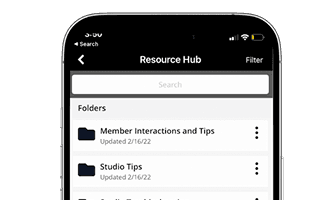
Store and share training videos, policies, SOPs, onboarding guides, and more
NetGym app
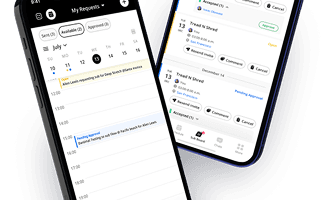
Manage subs, messages, schedules, and resources: one powerful app, fewer headaches
Your team’s work, all in one place
Fewer apps and lower software costs for your business. One place for your staff to report, assign, and finish the work that keeps your studios running.
Download the 6 step guide to gain back 40+ hours per month
Most studio and Group X managers spend 25% of their time on subbing and communication. This 6 step process has proven to gain back 40+ hours per month through process automation and streamlined communication.
This site is protected by reCAPTCHA and the Google Privacy Policy and Terms of Service apply.